
Is Paper or AI Notetaking Better?

Ishan Chawla
Student, Northwestern University

Brief Overview
Hi, I’m Ishan, a Northwestern student who has tested every notetaking strategy out there from handwritten notes to full AI automation. This article breaks down why neither extreme works on its own, what the research shows, and how our hybrid approach actually improves real learning!
I. So Many Note Taking Strategies
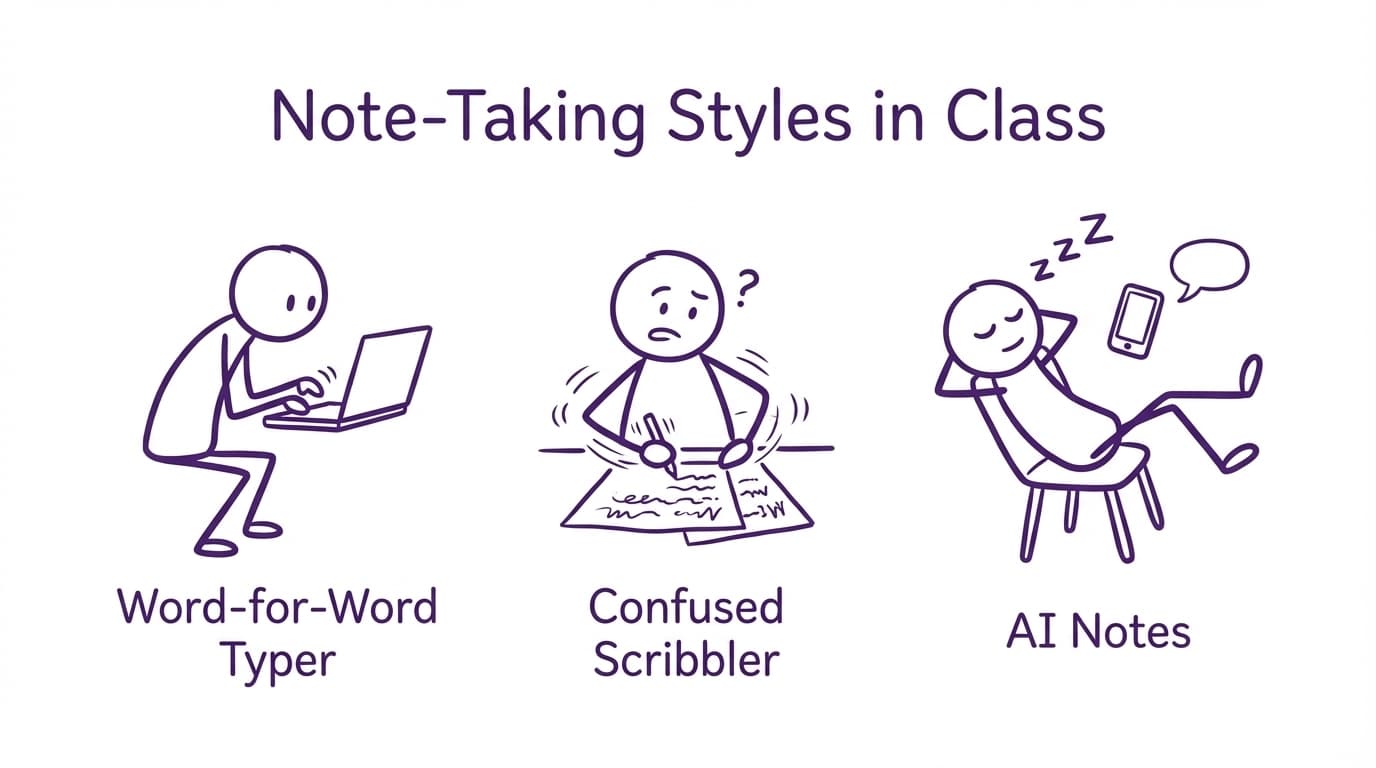
In my last economics lecture, my friend to the left typed nonstop, head down, not processing a single sentence. To my right, another friend lay back in her seat staring at the ceiling while Otter AI captured the professor's words. I frantically took notes with a pen and paper, missing chunks of the lecture while abbreviating words to a point where even I couldn't later understand them.
Here's something fun I drew while thinking about this:
II. The Limitations of Manual Notetaking & AI-Based Notetaking
Some people think handwritten notes are always better while others prefer digital or AI tools. But this isn't an either/or situation. Most students actually benefit from combining both.1
Pure typing leads to shallow, verbatim notes. Plenty of research supports the notetaking strategy’s lack of comprehension,2 3 4 5 and versatility across subjects.6 7
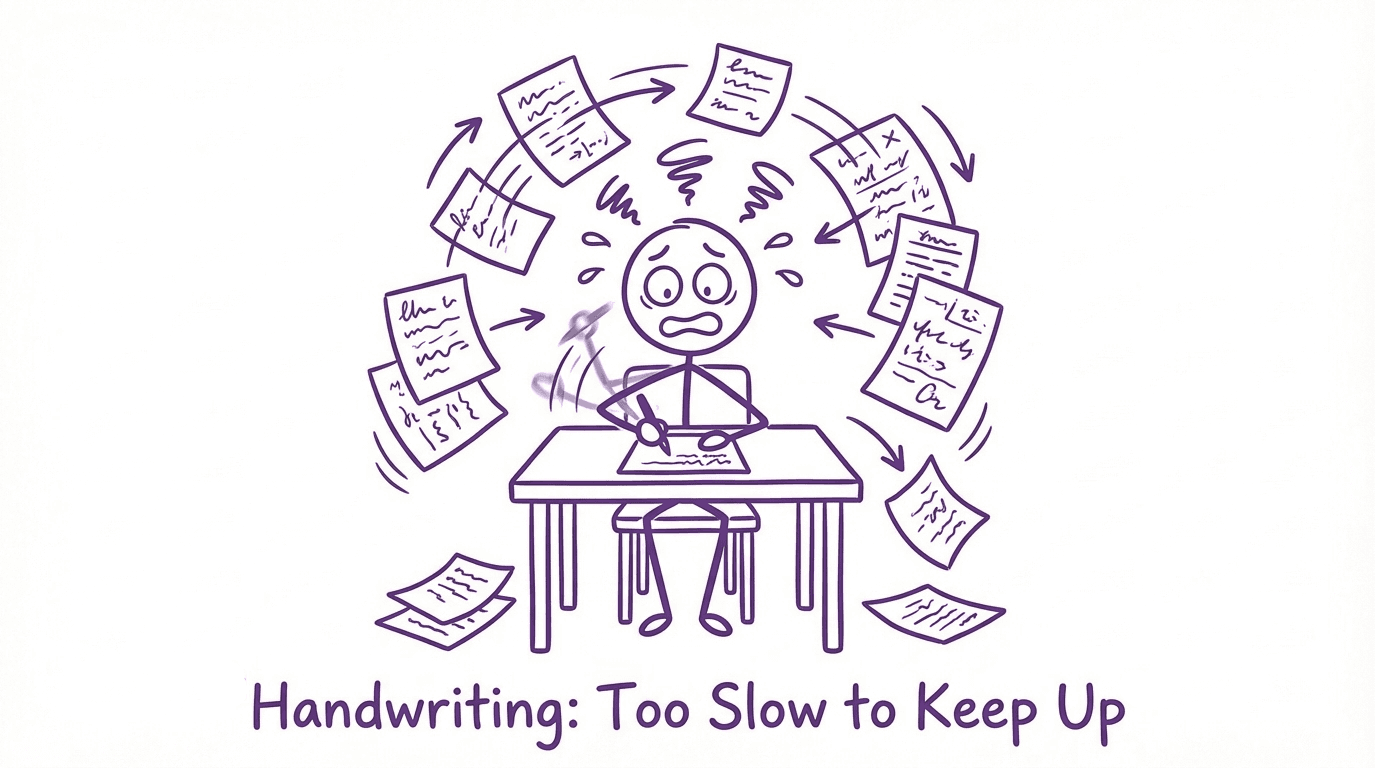
Pure handwriting, however, cannot keep up. It’s slow, and you can’t write nearly as fast as the professor speaks. You end up butchering spelling and missing half the lecture just to keep up. It's also messy as pages get out of order and Ctrl + F is a far-flung dream.
And pure AI? It just gives you a wall of text to skim later. The tools can capture content, but they don't help you process it. Relying solely on AI skips the most crucial part of learning, thinking, as you don't rephrase ideas in your own words and make mental connections. Instead, you get a wall of neatly summarized words that your brain didn't engage with.
III. Finding the Middle Ground
What's the answer? The middle ground. What's the only middle ground on the market? Turbo AI (formerly known as Turbolearn AI).
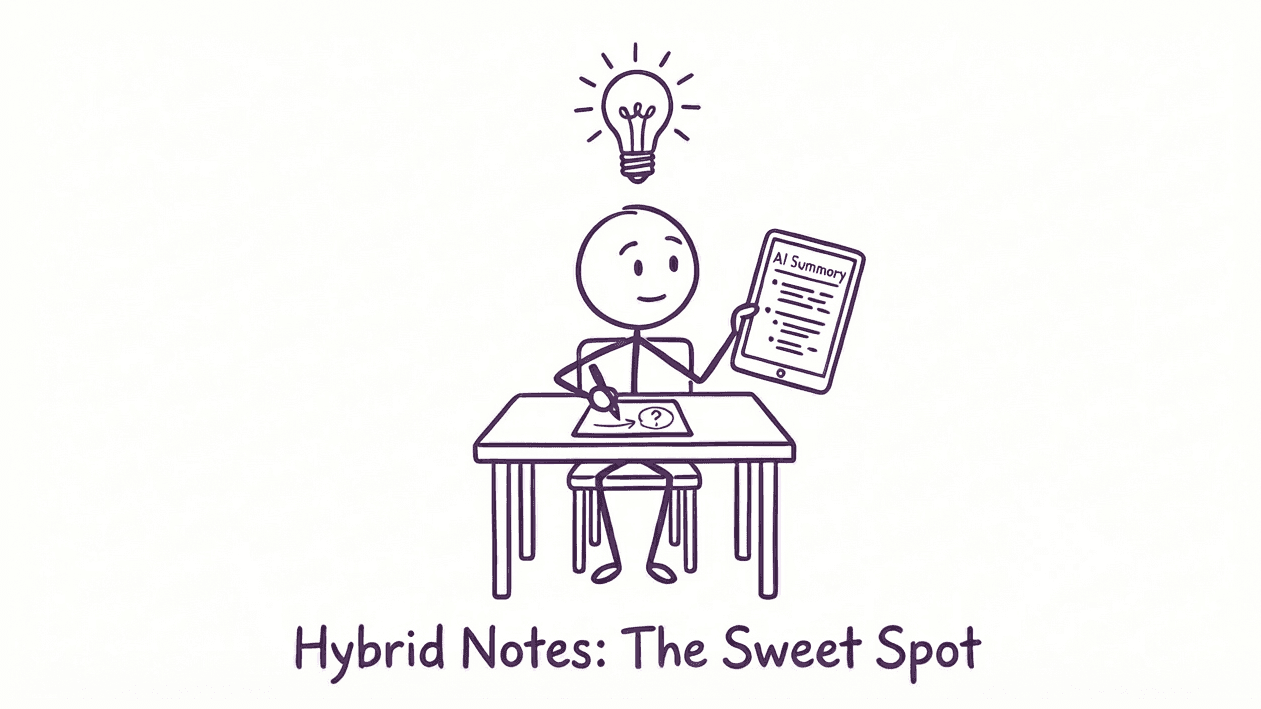
With Turbo, if you missed part of the lecture, use the AI notes to fill in the gaps. If you want to quiz yourself, the tool will generate flashcards. If you need a study guide for quick reference or podcast if you're on-the-go, the platform will organize the notes into your desired format in a clean, structured form.
Turbo lets you control how much or how little AI is involved, depending on the lecture, the subject, or even your mood that day.
Unlike other AI tools, we are not about replacing your brain, we are about amplifying your ability to learn — faster, deeper, and with less stress.
IV. My Personal Turning Point
I used to believe I had two options: become an old school traditionalist who "earns" every piece of knowledge or the fully digital Gen Z student who offloaded all effort to technology. Coming into college as an undecided major, I experimented with several different types of classes, and with it, I bounced between the two notetaking strategies for some time.
I handwrote notes for my physics and calculus classes but spent more time organizing these notes than actually studying. The next quarter, with a more humanities-oriented course load, I used an AI notetaker religiously while also manually typing notes. But again, when exam-week rolled around, I was staring at blocks of auto-generated text that didn’t mean much in one tab, with my half-correct transcriptions of the professor's lecture in the other. It was never efficient or effective.
Finally, I tried Turbo. I handwrote diagrams and longer formulas while sitting back and absorbing most other lecture content. Things clicked when my parents asked "What’s your GPA this quarter?", and I could proudly respond with "4.0." Turbo pulled out key points, and created flashcards and study guides I used before each exam. After comparing both sets of notes with what I'd genuinely learned from the lecture, I realized my retention improved dramatically once I stopped frantically transcribing every word the professor spoke.
I retained more without increasing my study time. The new hybrid system lets me learn with speed, depth, and convenience.
V. What the Research Really Tells Us
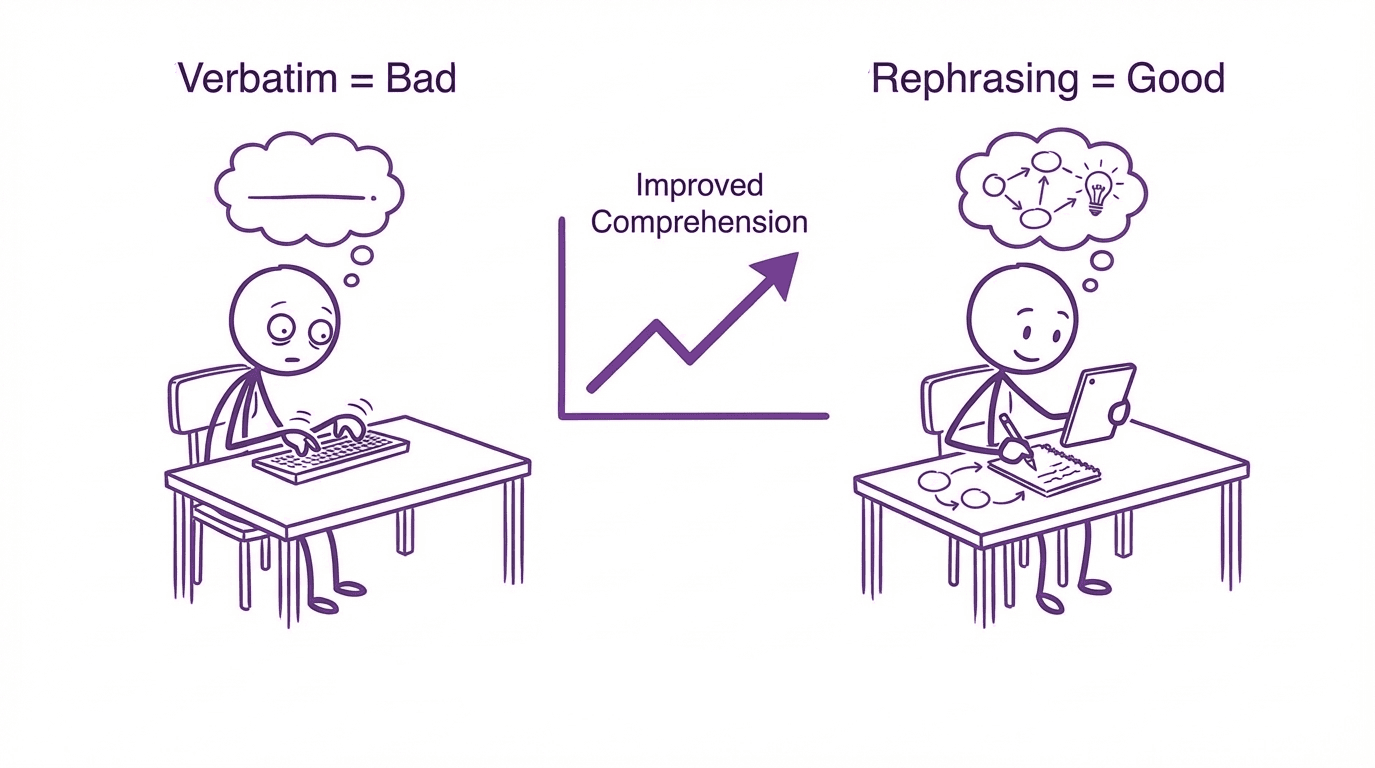
Revisiting the famous 2014 study by Mueller & Oppenheimer: “The Pen Is Mightier Than the Keyboard,” this is the study professors love to quote when arguing against using digital tools during lecture. What they found is that students who took notes on laptops tended to transcribe lectures verbatim, which led to shallower learning while those who handwrote their notes were forced to rephrase and combine ideas, resulting in better understanding of material, especially on conceptual questions.
But the argument is not that computers or technology are bad. The study argues that mindless transcription, passive notetaking, leads to poor retention, regardless of the medium. With AI-only tools, the same issue naturally occurs. These platforms spoon-feed notes, where their users thus miss the crucial piece: cognitive engagement.
Recent studies show, however, that students with tools leveraging AI that assist their users with intentional effort and cognitive engagement performed better in both standardized and concept-based tests.8
The message is clear. Technology itself isn't the problem, the way most other EdTech platforms encourage their users to abuse these powerful new tools is the problem. With a hybrid tool like Turbo AI, users engage, reflect, organize, and quiz themselves while retaining control of the process.
VI. Why Other Tools Fall Short
The problem with most other current notetaking tools is that they pick a side. Otter, Fireflies, and similar apps are all-in on AI. They record everything and spit out transcripts, destroying critical thinking and flexibility. They work for passive capturing but are not so great for remembering.
The classic tools we grew up with like Notion, Evernote, OneNote, Apple Notes, or physical notebooks give you total control. But with zero built-in structure or AI support, you're stuck with spending just as much time on the mindless activities of organizing, summarizing, and creating quizzes as actually studying.
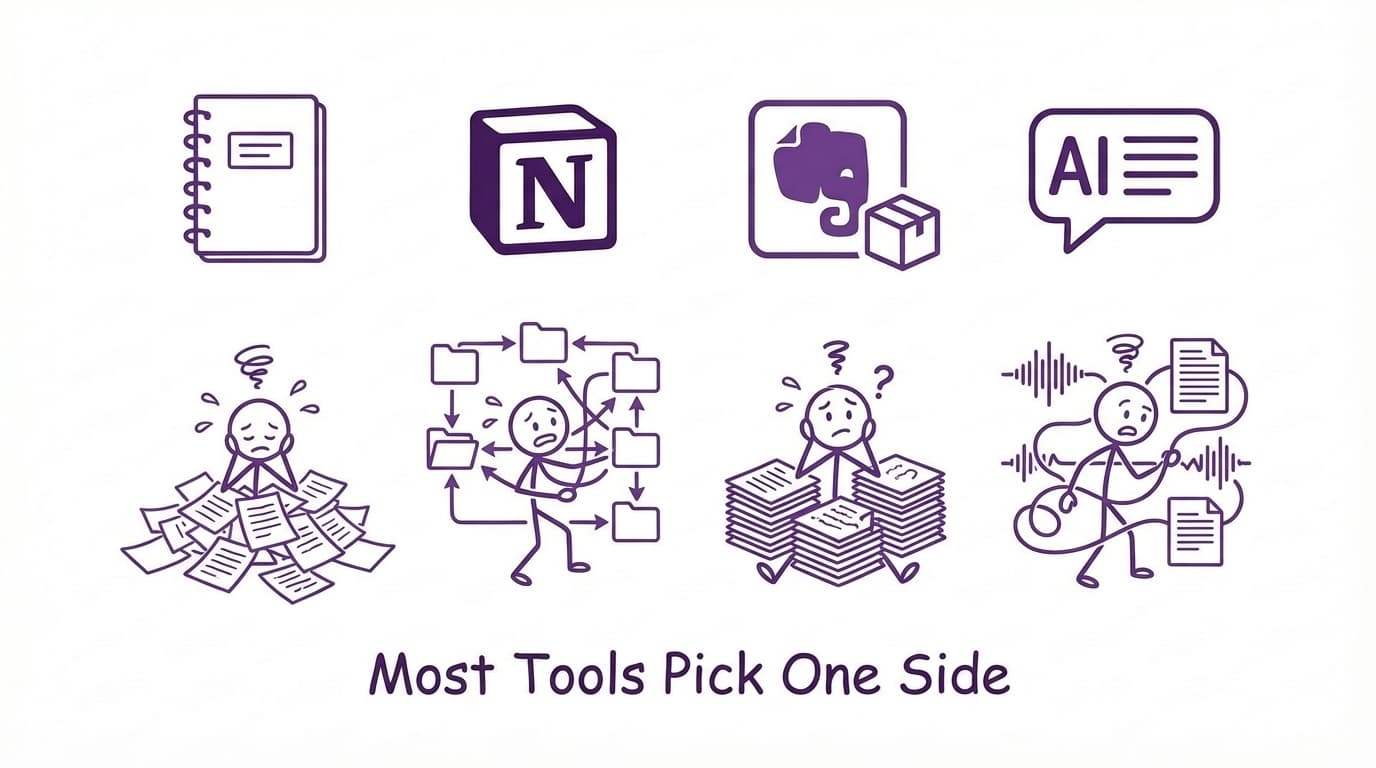
The biggest flaw in these tools, however, is their one-size-fits-all approach ignoring the reality that different subjects, different lectures, and different students require different approaches. Turbo breaks this pattern, adapting to each user and giving you full control of the degree of AI needed for each session, from hand-typed blank documents to full AI-control, and everything in between.
VII. Final Thoughts
What I think each academically-successful college student eventually discovers is that every student learns differently and no one method works every time. The best strategy for your success is about choosing balance and building a system that works with your brain, not against it.
Turbo isn't another productivity trend, it's a flexible platform built with real student struggles in mind. Whether you are cramming for finals or just trying to remember what the professor said on the last slide, you don't need to choose between tradition and tech.
You just need to find your balance:

Ishan Chawla
Student, Northwestern University