
How to Keep Up During Lectures with Turbo AI

Ishan Chawla
Student, Northwestern University
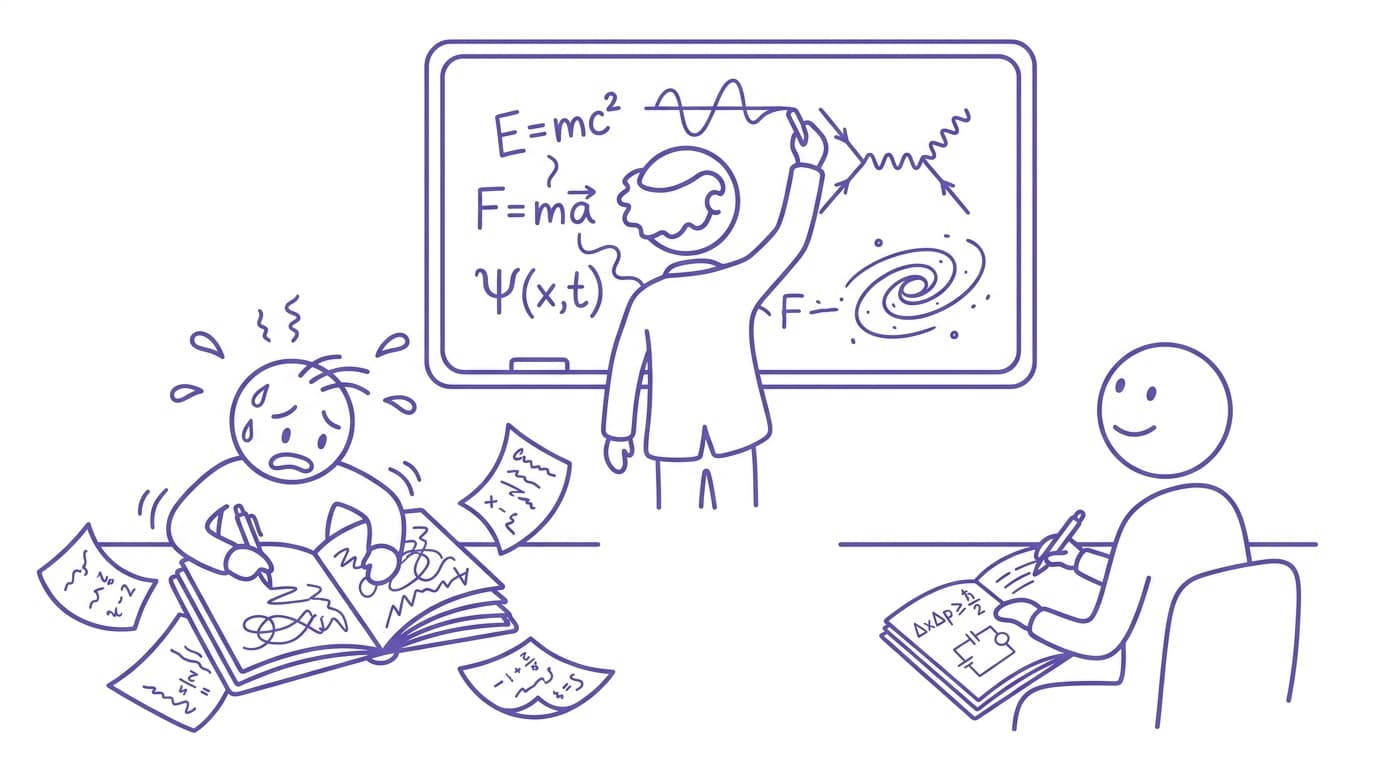
We all know the feeling: four slides behind, the professor just flagged something as "on the exam" or "important" that you didn't catch, the person next to you has somehow written a page and a half, and you're still trying to finish copying a diagram that disappeared two slides ago.
The first thing to know is that it's not a you problem. The average lecturer speaks at 120–150 words per minute. The average student handwrites at around 13 words per minute and types at maybe 40. The math has never worked. And now with digital slidedecks the math looks even worse. Every student who "keeps up" is actually doing one of three things: filtering aggressively, writing in shorthand they'll (try to) decode later, or quietly missing content.
The goal thus cannot be to write faster. It's to change the job. Here are four approaches that actually work, from quick switches to a full workflow change.
1. Stop Transcribing
The most common mistake is treating notes like a transcript, trying to capture what was said instead of what mattered.
A better in-class job description is to be an actual notetaker, instead of a stenographer. Your only tasks during the lecture are:
- Write down anything the professor repeats, slows down for, or says is important
- Mark anything you didn't understand with a big "?" so you know where to focus later
- Highlight examples, since slides usually have definitions but not the examples that help students apply concepts
Below is a screenshot of my notes from an intermediate microeconomics course, showing just the example problems not seen on the slides.
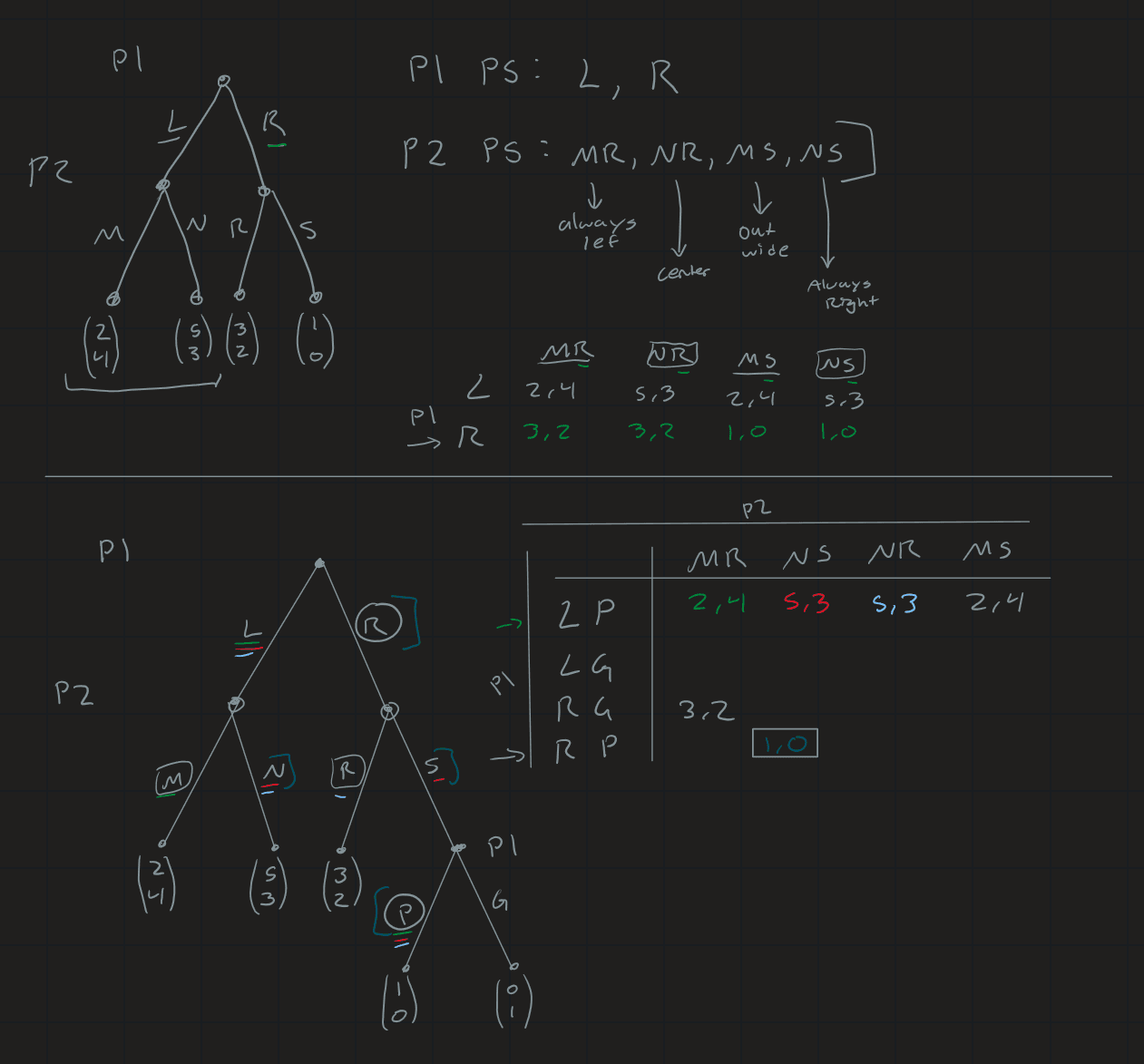
Taking these steps immediately relieves the pressure, but it has an obvious catch: it only works if you have a reliable way to fill in everything you didn't write down. This brings us to the real fix.
2. Let AI Take Assist
This is the biggest workflow change on this list, and the one that actually solves the speed mismatch.
The reason you can't keep up is that understanding, deciding what's important, and writing are three separate jobs, and you're doing all of them simultaneously. So split the jobs. You do the understanding in class while software does the capturing and organizing.
With Turbo, the workflow looks like this:
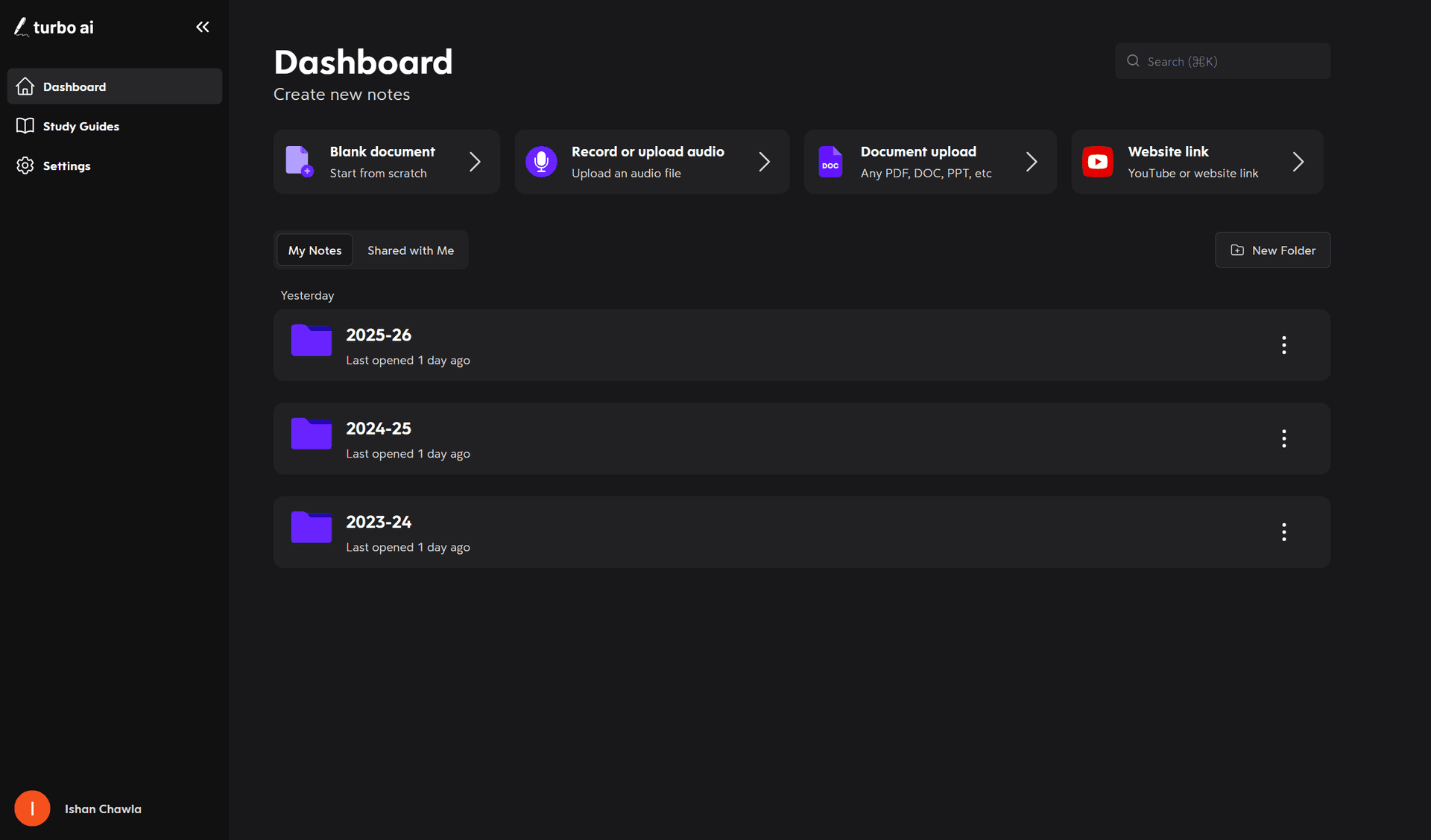
Step 1: Record or upload the lecture. Record audio during class (check your professor's or university's recording policy first, most are fine with personal study use, but it is worth asking). If your course posts lecture recordings or runs on posted videos, you can skip recording entirely and just upload the file or YouTube link afterward.
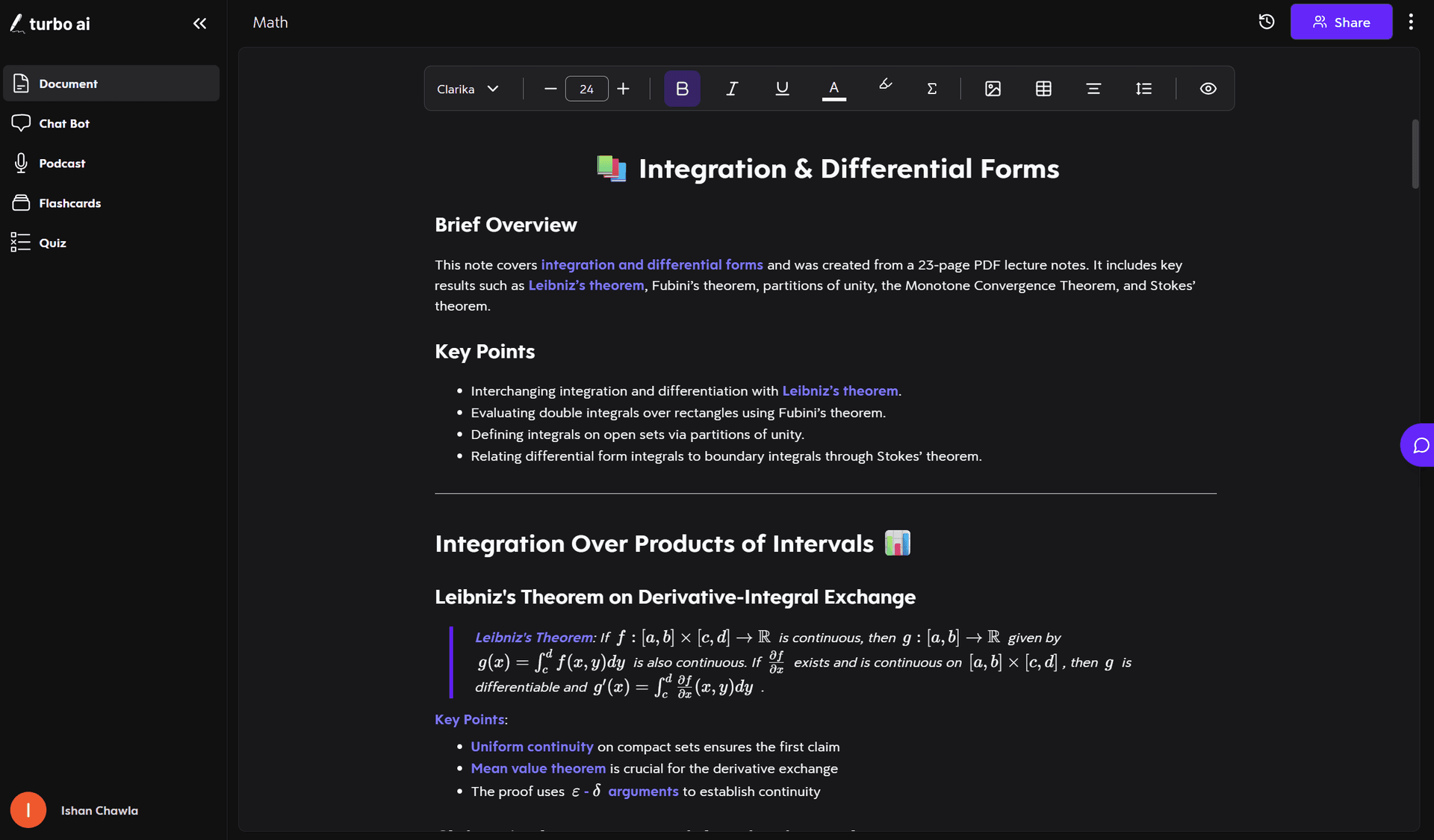
Step 2: Get organized notes automatically. Turbo generates clean, structured notes from the recording, organizing headers, key terms, and concepts. The content is now always captured whether you wrote it down or not.
Step 3: Fill your gaps with the chat. Remember those "?" flags from tactic #1? After class, ask the built-in chatbot about exactly those spots. You're essentially asking an expert your questions, without the need to trek office hours.
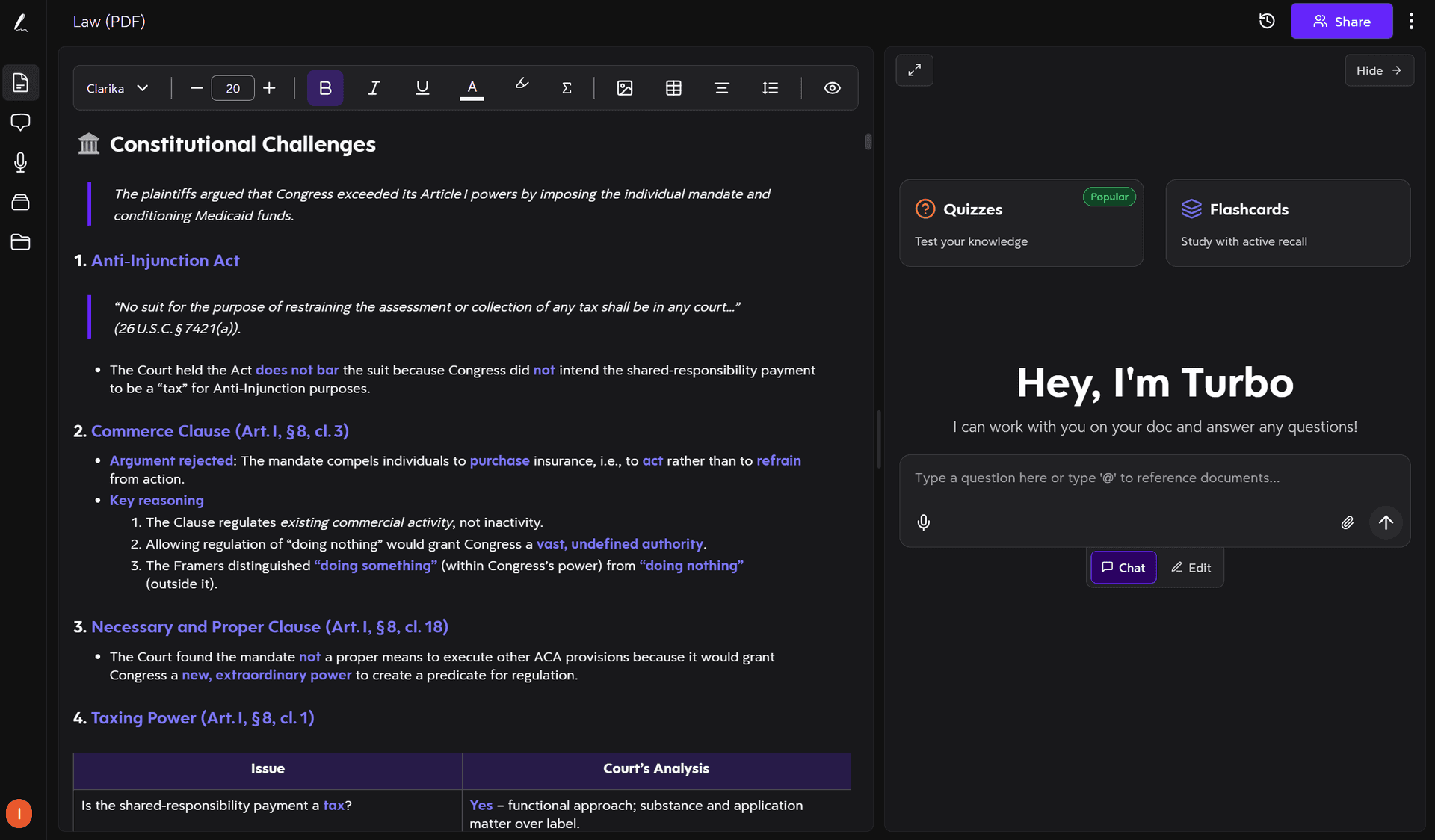
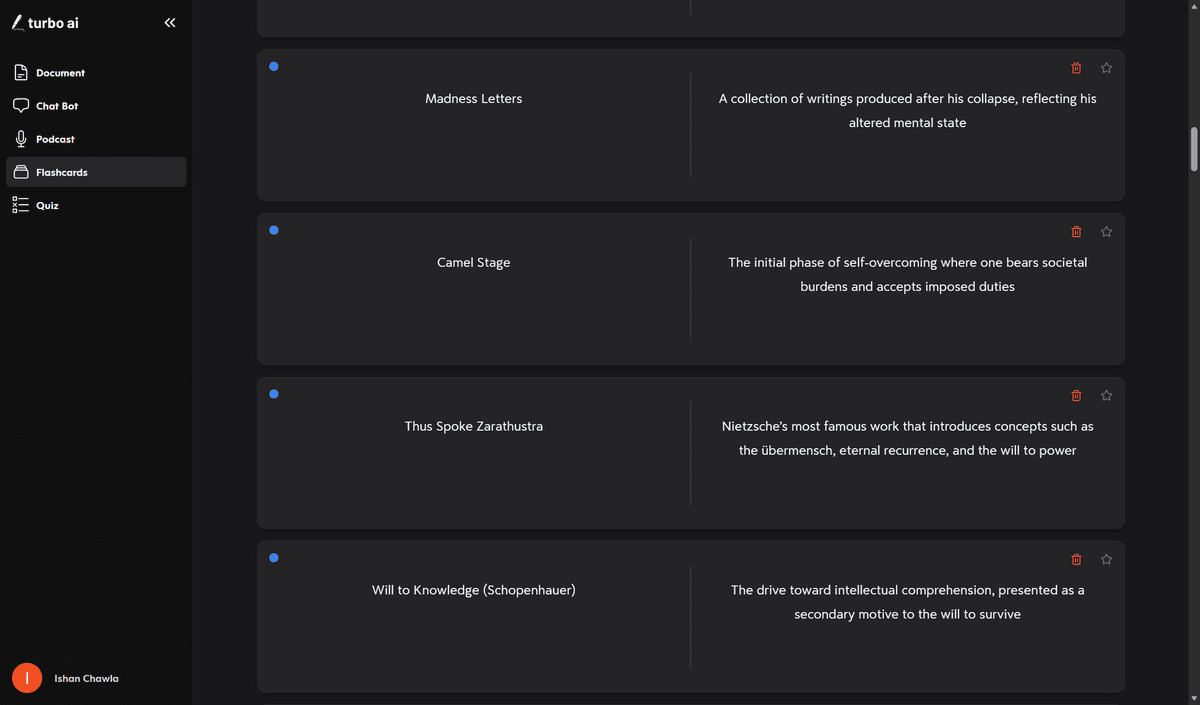
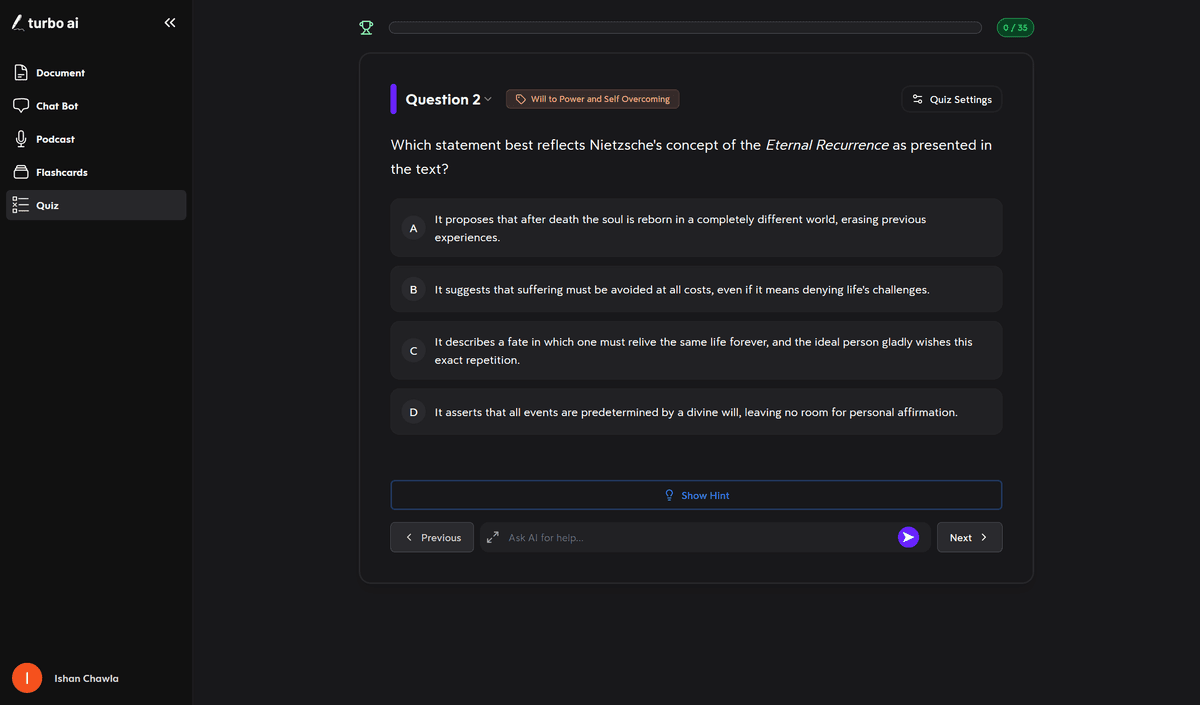
Step 4: Review in whatever format works. The same lecture becomes flashcards, a multiple-choice quiz, or a podcast you can listen to on the walk to your next destination, which makes studying especially flexible.
Flashcards
Quiz
The point of all this isn't to stop paying attention in class, but the opposite. Once you're not frantically transcribing, you can actually listen to understand, which is the part of the lecture you can't outsource.
Turbo is $20/month billed monthly or $10/month on the annual plan ($120/year). If lectures are your main pain point, it's the closest thing to a complete fix on this list.
3. Use the Slides as Your Skeleton
If your professor posts slides before class, stop copying anything that's already on them. Download the deck, and take notes on it. This can be done by printing with margins, or taking digital notes on your tablet. Your job during lectures now shrinks to writing only what's said out loud that isn't on the slide, which is usually the explanation, example, and points to highlight.
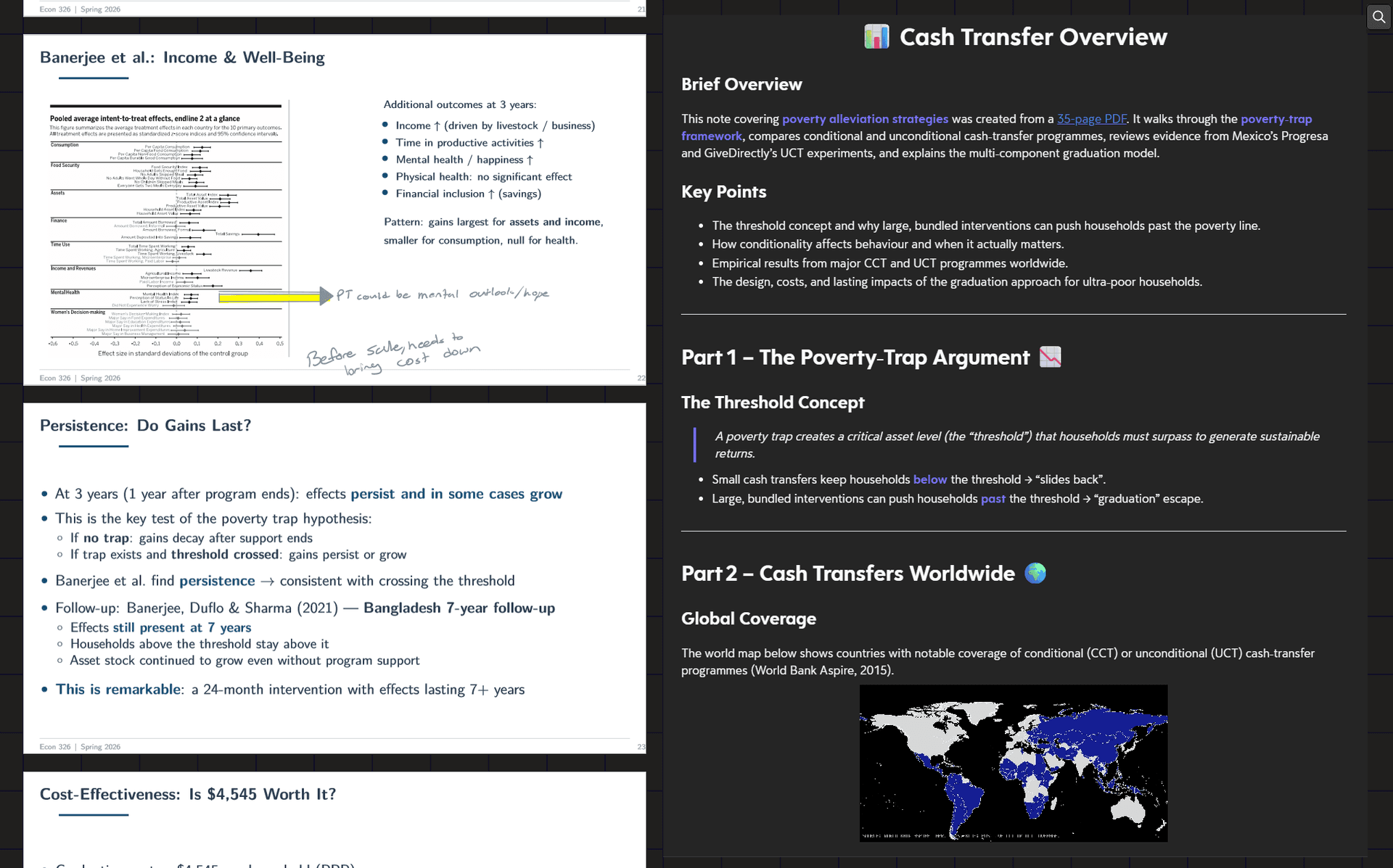
This pairs well with tactic #2: upload the slide deck PDF to Turbo alongside the lecture recording, and your notes cover both what was shown and what was said.
4. Review Content Before Class
This one sounds like generic study advice, but it directly affects the keeping-up problem. Most of the time you fall behind because the professor is speaking too fast for content you're hearing for the first time.
With other course content, such as a textbook chapter or reading, you can also upload it to Turbo and skim the generated notes as your preview, which is faster than skimming the chapter itself.
What Not to Bother With
A couple of popular suggestions that, in my experience, don't hold up:
- Learning shorthand. Real stenography takes months of dedicated practice to learn, and with the turnaround of college exams, is not worth your time.
- Typing everything verbatim. Even if you can type 100+ WPM, research on note-taking consistently finds that transcription without processing produces worse retention than traditional notetaking.
- Relying on a friend's notes. Their notes reflect their thought process during lectures, not to mention their gaps and their shorthand. This is better than nothing if you miss lecture, but bad as a system.
The Bottom Line
Falling behind in lectures isn't a discipline or an intelligence problem. Professors speak roughly ten times faster than you can write, and no amount of "trying harder" changes that arithmetic.
The fix is to stop doing three jobs at once. Flag what matters in class, let Turbo capture and organize the rest, and use the time you save to actually understand the material instead of racing to produce a transcription.
Your friends once they see you using, and you put them on, Turbo AI:

Ishan Chawla
Student, Northwestern University